How to create a Google Sheets-Intercom bundle using Zapier?
Use Zapier to create an agreement between Intercom and Google Sheets. Simplify user management by automating connections between Google Sheets and Intercom.
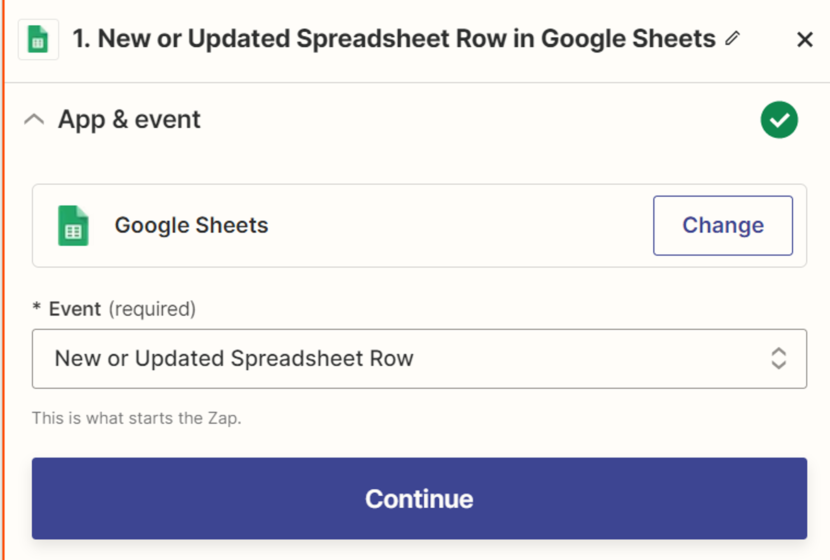
We will review the Google Sheets – Zapier – Intercom bundle. This bundle allows you to create users by adding them to the Google Sheets list. Create a new Zap and select the first automation item – Google Sheets.
Choose the event – New or Updated Spreadsheet Row and activate our Google account. Next, select our table and the sheet we need.

We also need to select a unique parameter that will serve as a trigger for data transfer. In our case, this parameter is an Email.

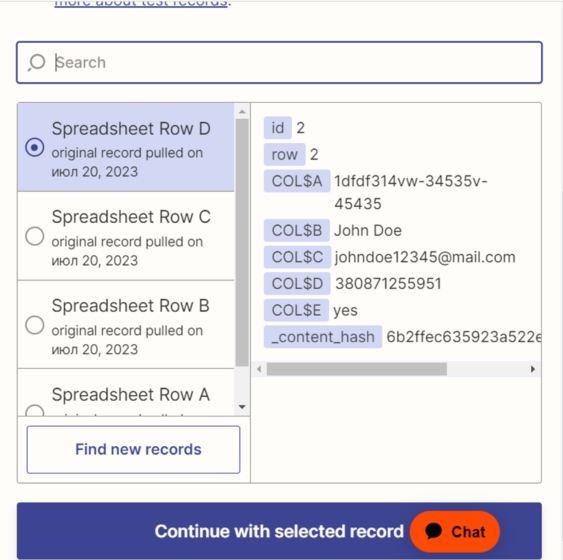
After that, Zapier looks for the data to be transferred to Intercom. We have prescribed these data in our document in advance.
Choose the last option and press “Continue”. Next, we select the platform to which our data will be transferred. We need an Intercom. Connect our account and select the event. We need “Create New User”.
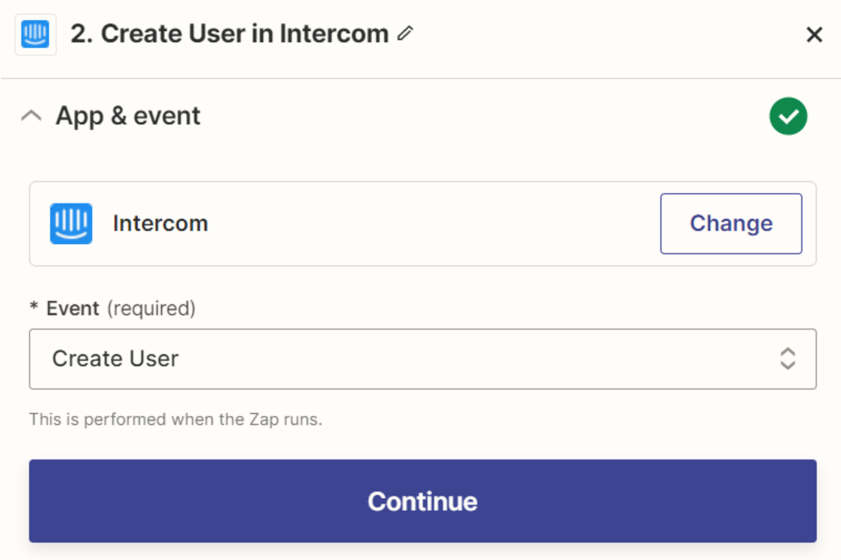
Next, we select the parameters that will be transferred to Intercom. We need the following – Email, UserID, Name.
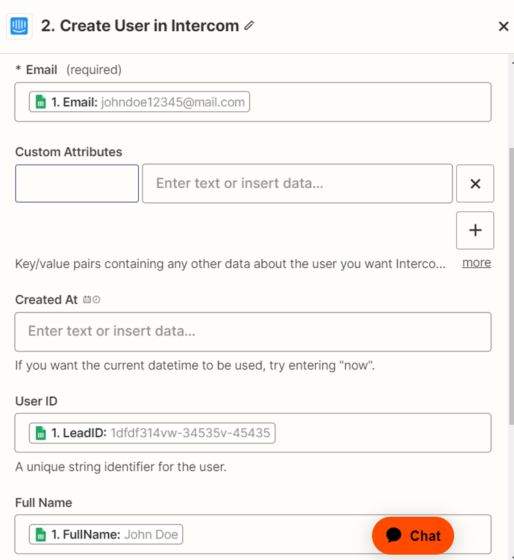
Also, we can pass custom parameters to the user in the following Key-Value manner.
We ran the test and saw that the user got to our Intercom.
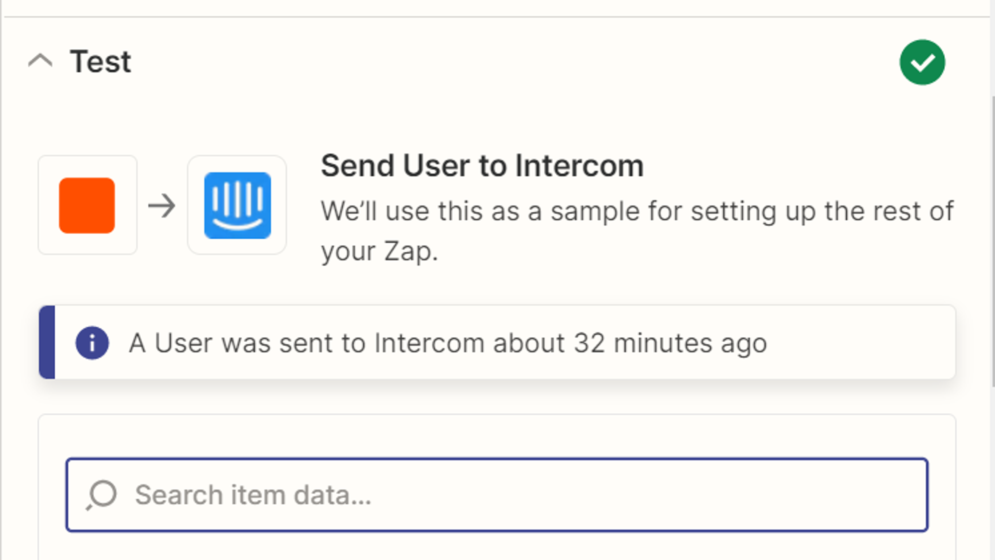
Congratulations, you have set up a Google Sheets – Intercom bundle.