How to integrate Google Sheets – ClickUp bundle using Zapier?
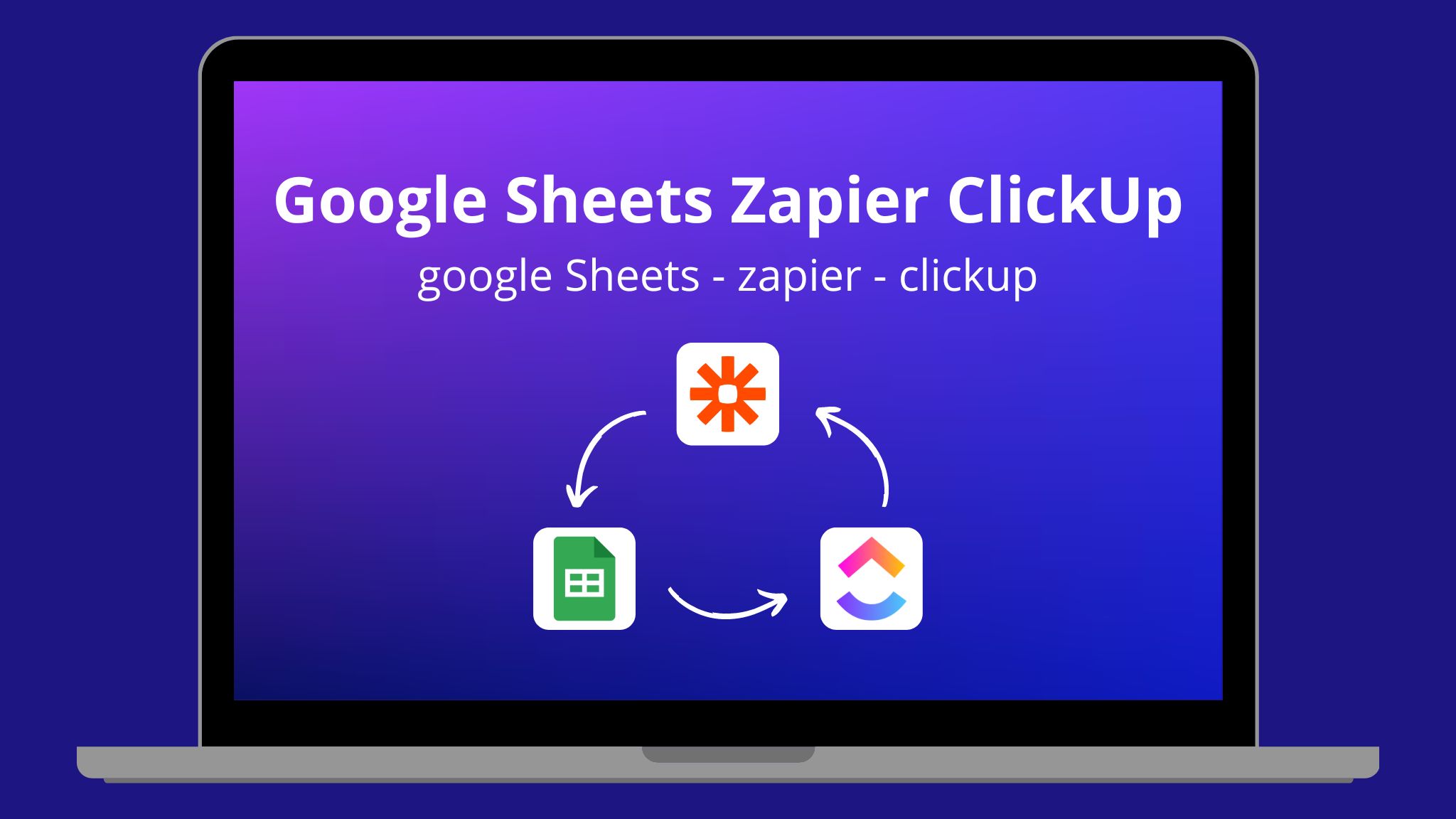
Every time a new row is added to Google Sheets, ClickUp would produce new tasks with the aid of the Zapier integration. With this setup, you may improve work control and team performance.
Creating a new task on ClickUp when a new row is added to the spreadsheet
How the integration works:
- A new row is created on the specified spreadsheet on Sheets
- Zapier creates a new task on ClickUp
1. On the “Home” tab, click on “Create”

2. In the dropdown menu, select “Zaps”

Setting up the trigger event
3. Trigger event is the event that occurs in the target app and informs Zapier to start the Zap.

4. Select the trigger event app

5. In the dropdown menu, select “New Spreadsheet Row” and click on “Continue”. This way, the trigger will only activate when a new spreadsheet row is created

6. Select your Google account and click “Continue”

7. Fill out the required fields and click on “Continue”

8. Test the trigger by clicking on the corresponding button

9. If everything is correct, the system should display all the information. Click on “Continue with selected record”


Setting up the action in ClickUp
10. Select the target app

11. Select “Create Task” as an action to do when a a file was created or updated

12. Select your Google account and click “Continue”

13. Fill out the required fields and click “Continue

14. Test the connection between Google Sheets and ClickUp


15. Click “Publish”

After that, the Zap is now created, set up and working.