How to integrate Google Sheets with WordPress using Zapier?

“Google Sheets – WordPress bundle through Zapier” to demonstrate easily how users can be created and inserted, saving time and improving the business flow.
In this guide, we will explore how to automatically create and add users using the Google Sheet – WordPress integration.
We create a new connection and select Google Sheets. In the ‘Event’ field, specify the condition that will trigger the action (adding a new row). In our case, the field is Email.

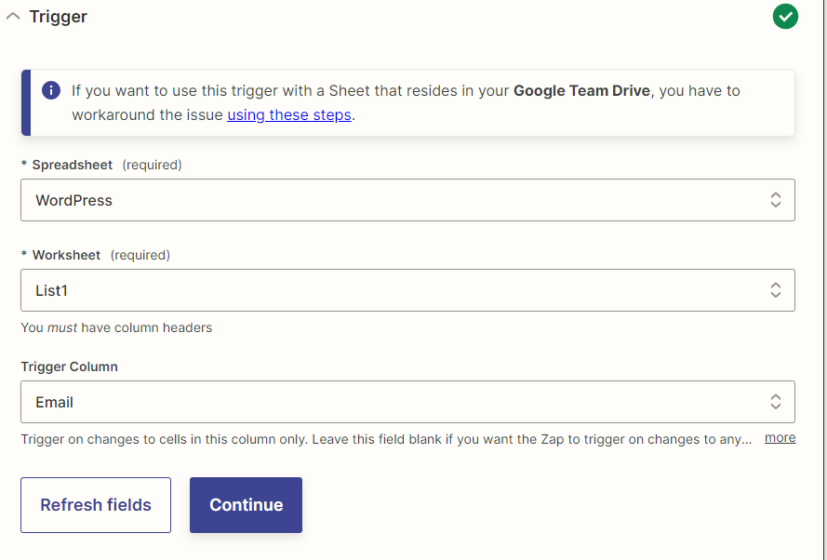
Next, connect the account and choose the document and sheet from which the data will be transferred.
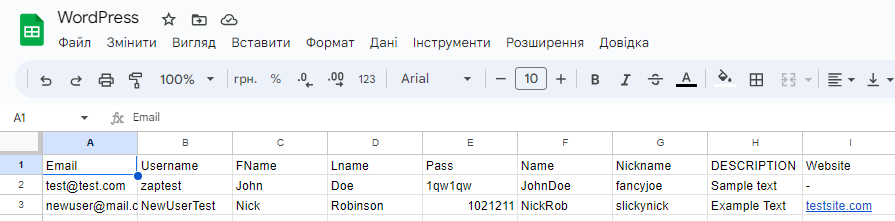
The document already contains data from which Zapier will retrieve information.
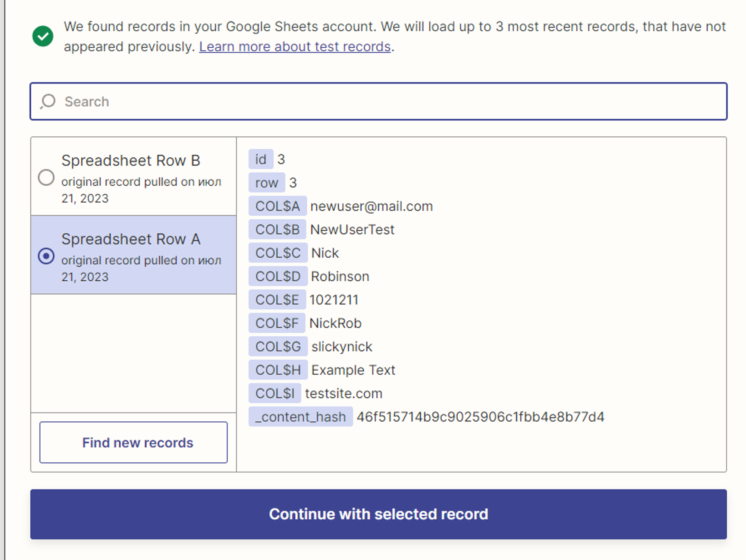
We select our table with data and move on to the next step Choose the platform and the event that will happen when a row is added to our document. We need the “Create User” event.
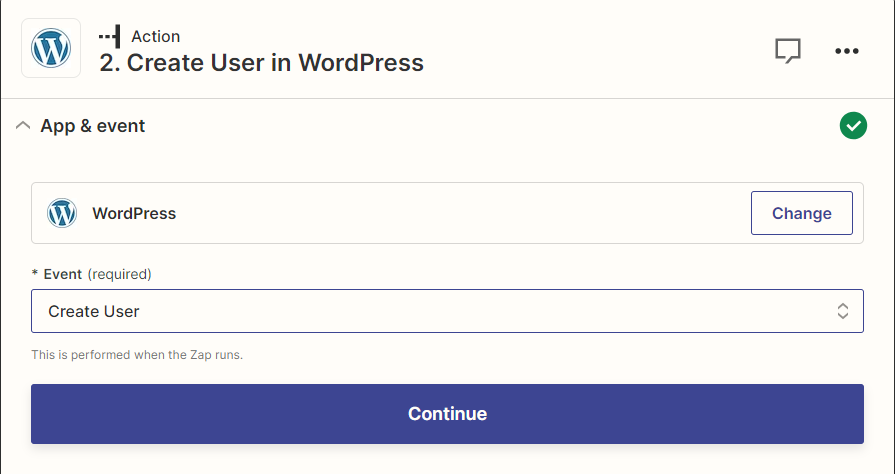
Connect our WordPress account and move on to customizing the fields and selecting options.
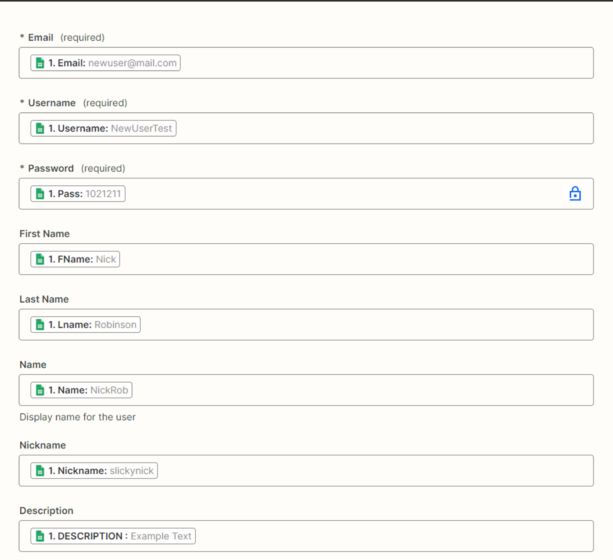
Indicate all the values that were previously passed to the document. The first three are required. The Field “Description” – will be displayed in WordPress as a contact bio.
Add a role to the user and run a test. If we have done everything correctly, our user will be added to WordPress – Users.